
Option 1: Generate a Detailed Sales Report
For this first option, click on Sales > Reports > Summary.
In the next window, select the options below:
- Start date;
- End date;
- Sales type;
- Group by;
- Filter by categories;
- Show details.
Then click on Send.
Option 2: Generate a Chronological Sales Report
Click on Sales > Reports > Chronological.
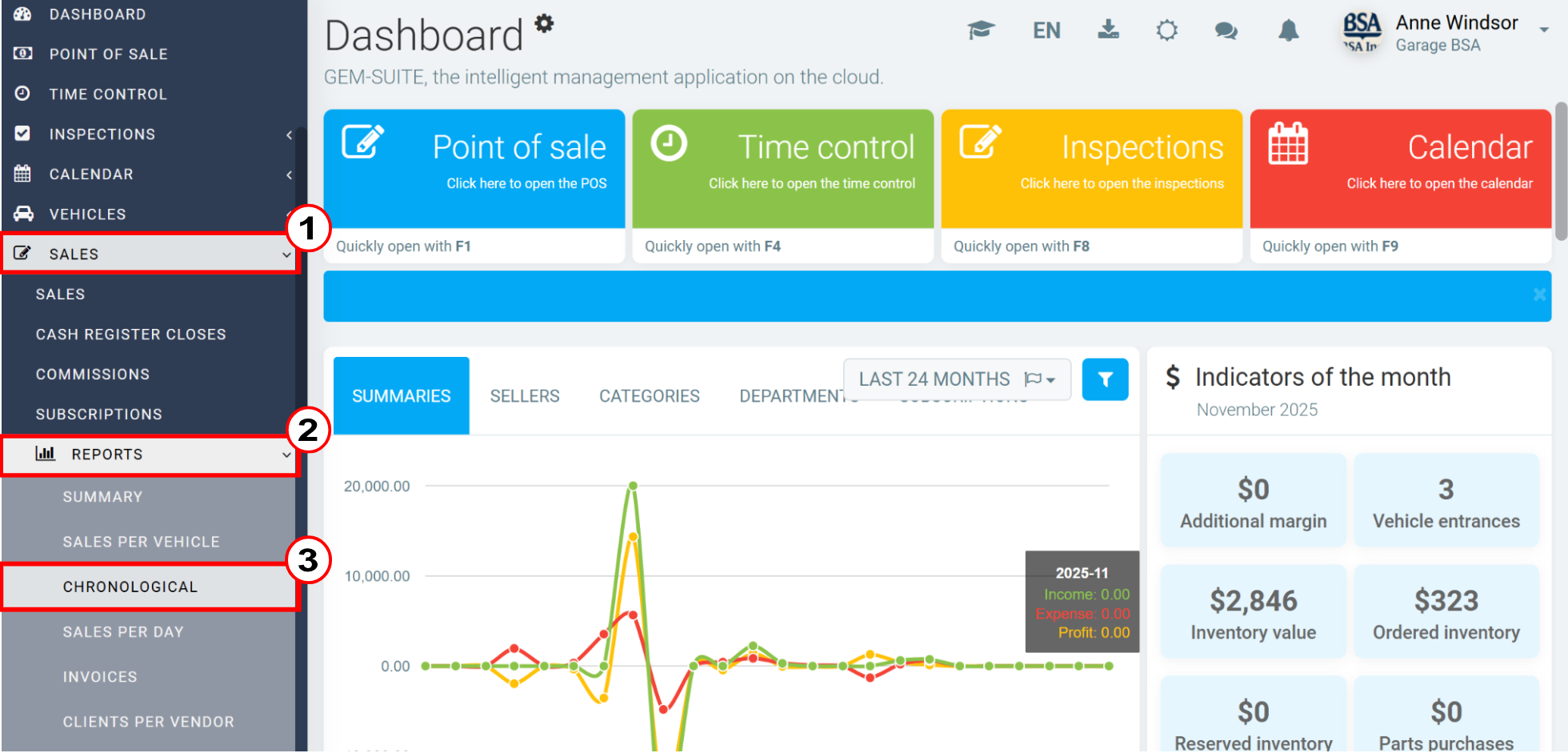
In the next window, select the options below: Then click on Submit.
- Report type
- Start date
- Group by
- Filter by categories
The report will show the date, customers, specific fees to be paid, and the grand total.
This option is available when the GL is properly configured.
Ensuring the Correct Account Is Associated with the Collection of Specific Fees
To use this option, click Inventory > Categories and select category 070 - Specific duties.
In the next window, select the sales ledger account: 2470 - Specific fee to be paid. Then click Save.
Comments
Article is closed for comments.