
This feature allows you to create a category of products or services that should not be subject to taxes.
It is particularly useful for managing tax exemptions or special items.
Below are the steps required to correctly configure a tax-free category in the system.
Click Inventory > Categories > +Add
Then, in the Info tab, enter the following data:
- Code;
- Name;
- Type;
- Tax rules (none);
- Tax rules for purchases;
- Sales account;
- Purchases account.
Click Save.
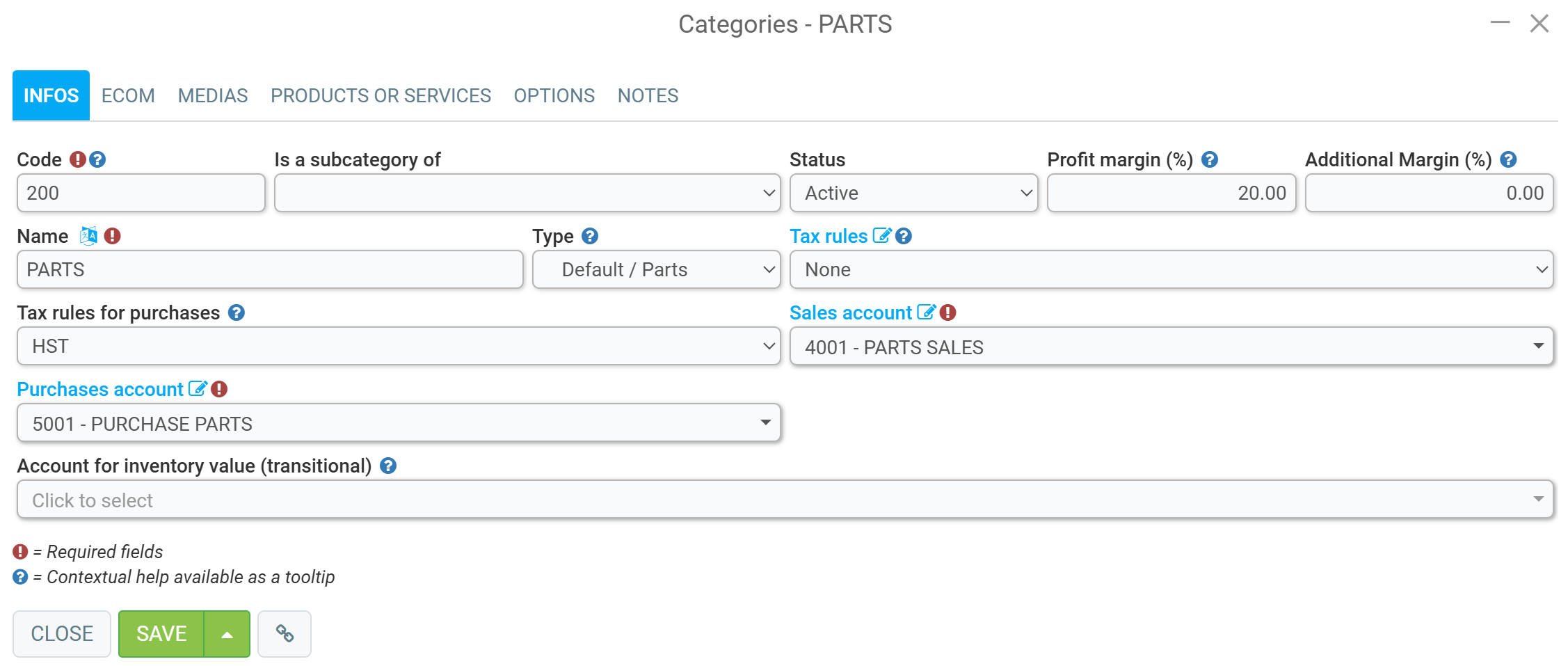
This way, whenever you add a product belonging to this category to your point of sale, it will not be taxed.
Comments
Please sign in to leave a comment.