
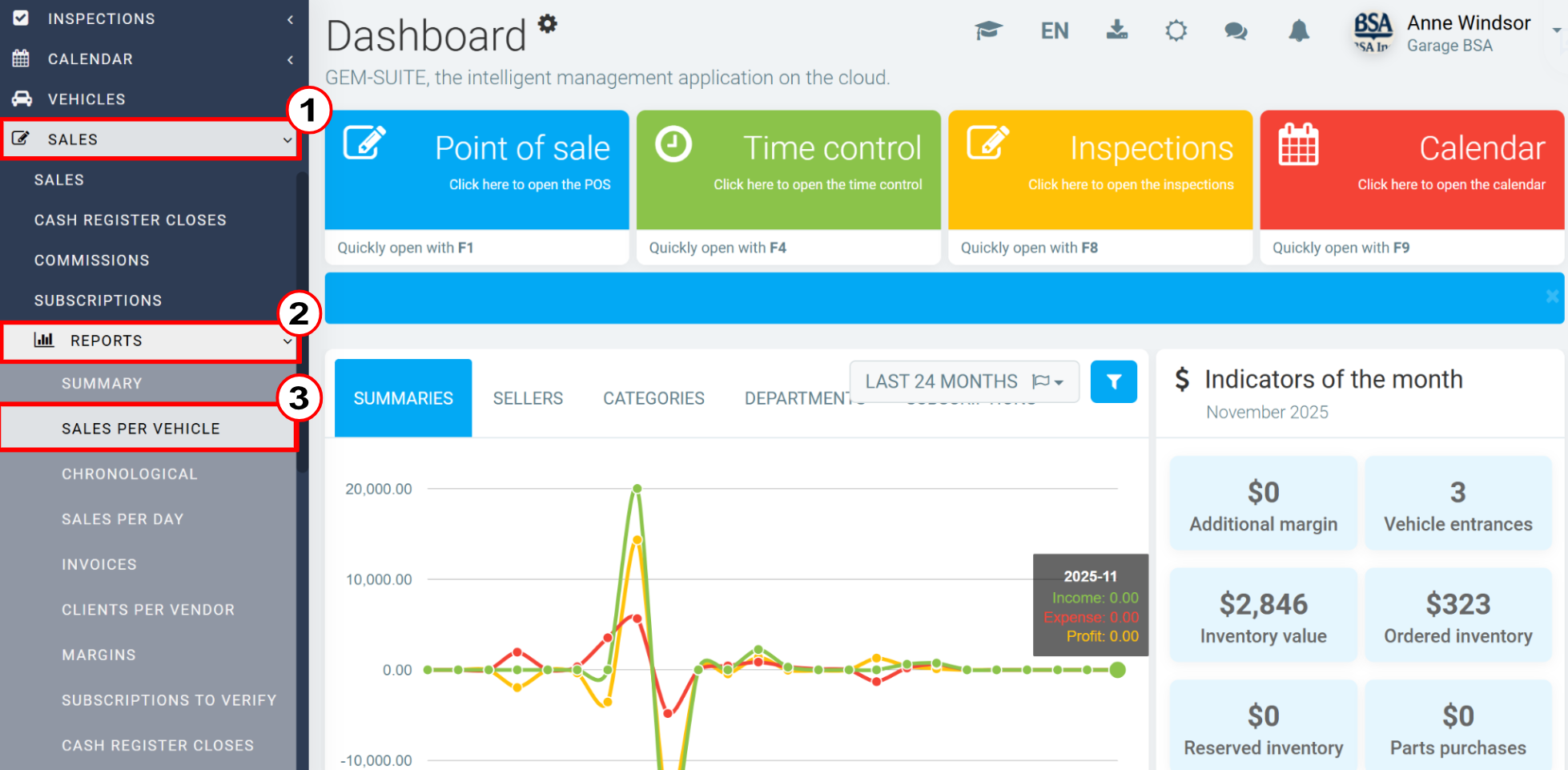
Generating a sales report by vehicle allows you to view the services performed on each vehicle in an organized manner. This feature provides important insights for business analysis and decision making. Below, you will find the steps necessary to quickly create this report in the system. Click on Sales > Reports > Sales per vehicle.
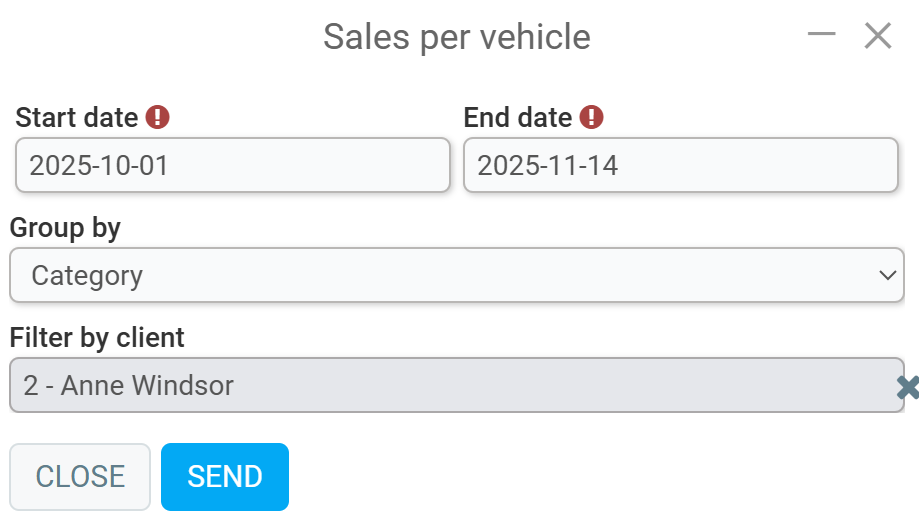
Then, on the new page that opens, enter the following information:
- Start date
- End date
- Group by (category or sale)
- Filter by client
Click on Send.
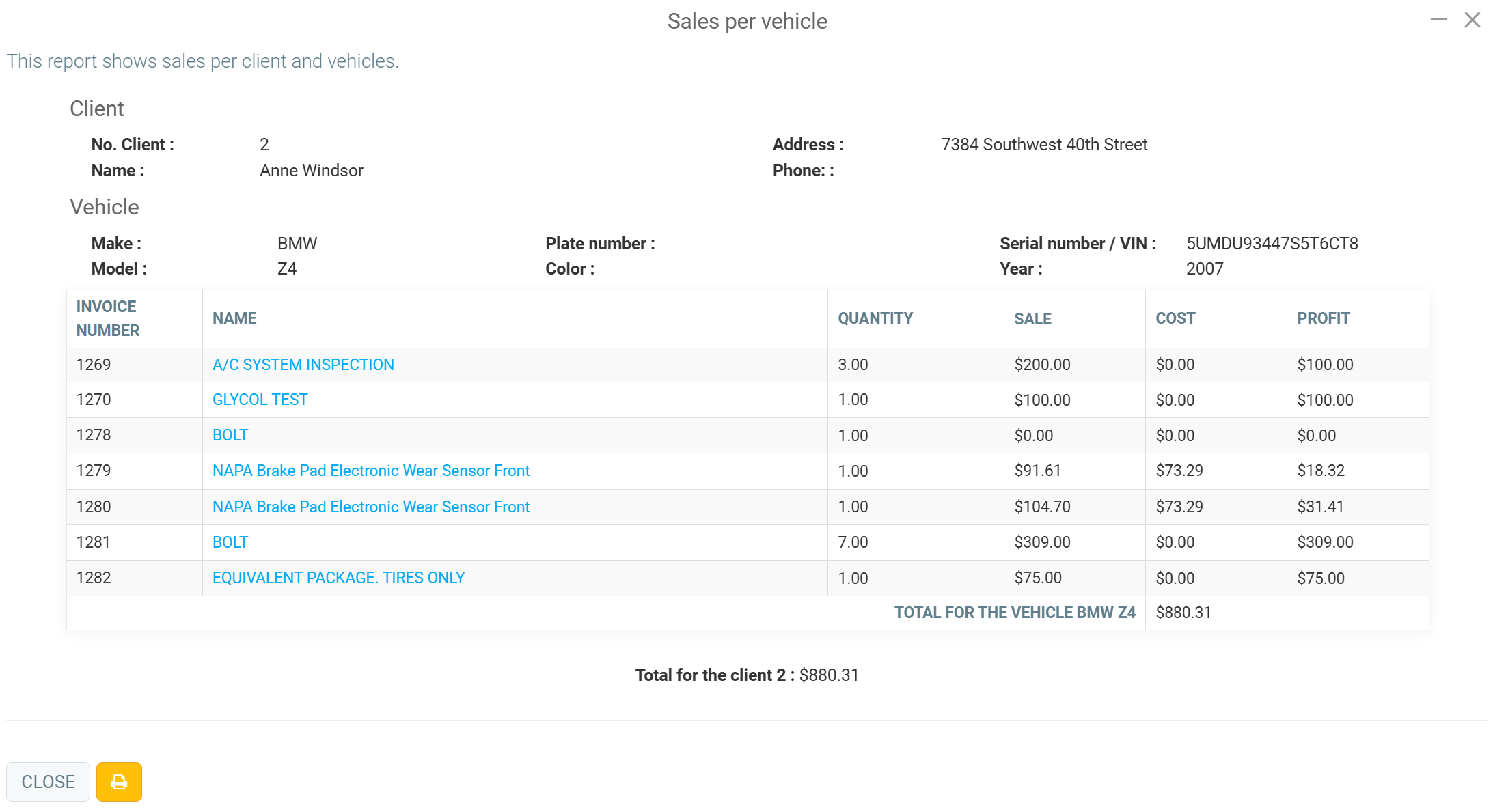
The next page will show a summary of all activities performed on the vehicle within the previously specified period, containing customer data, vehicle data, invoice number, product or service name, quantity, sale, cost, profit, and total. Next to the Close button, you can click on the yellow button with the Printer icon to print this report.
Comments
Please sign in to leave a comment.