
This report provides a comprehensive and organized overview of all payments received during a specific period. It compiles essential information for analyzing payments received and ensuring rigorous financial monitoring. The steps below will guide you through generating this summary quickly and accurately.
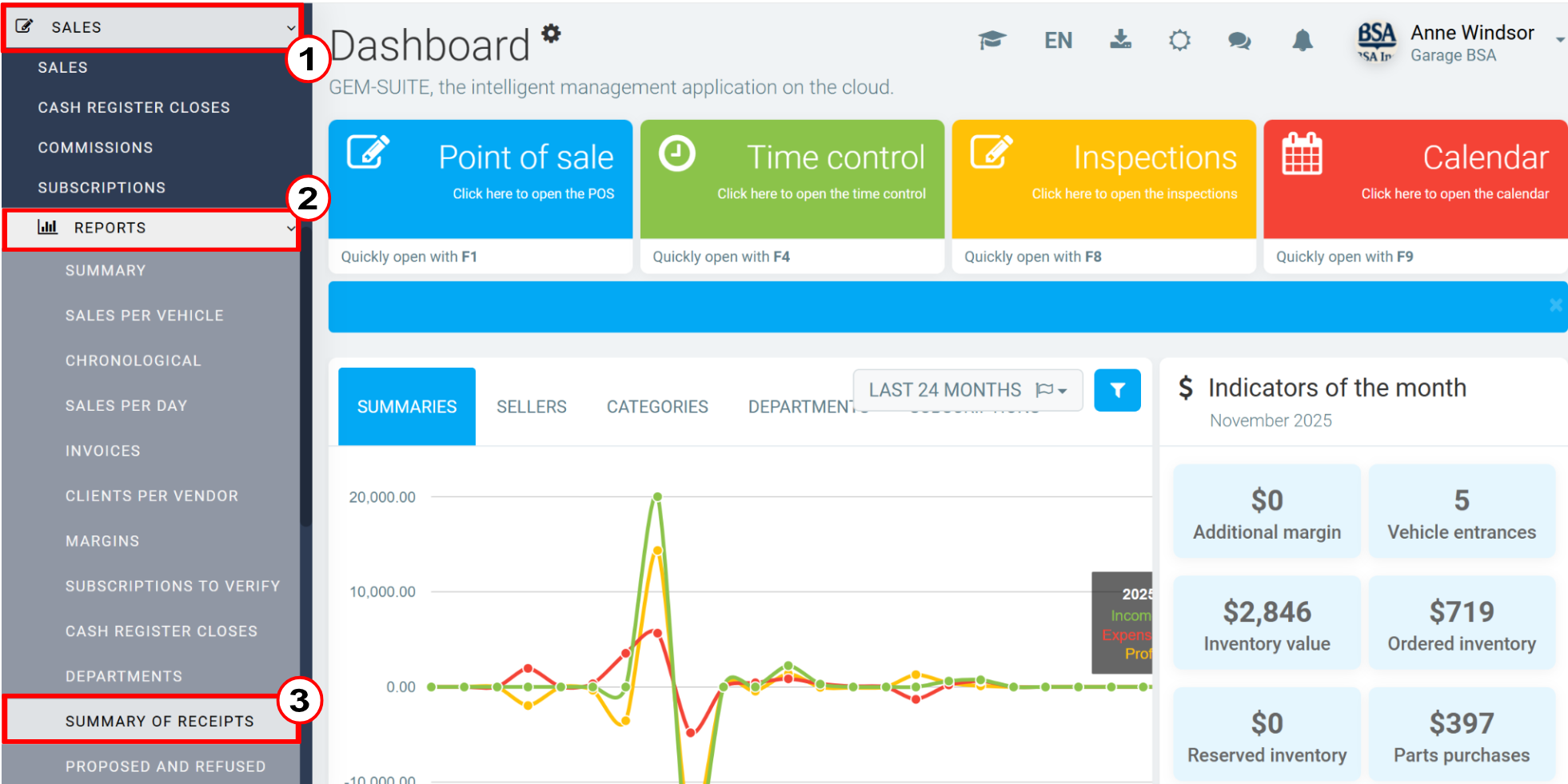
Click on Sales > Reports > Summary of Receipts.
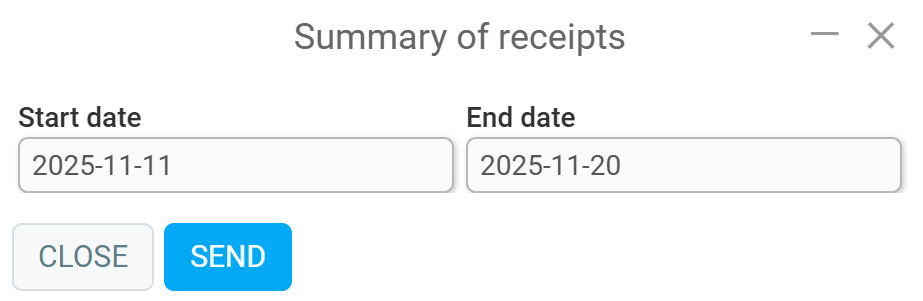
Next, enter the start date and end date.
Click Send.
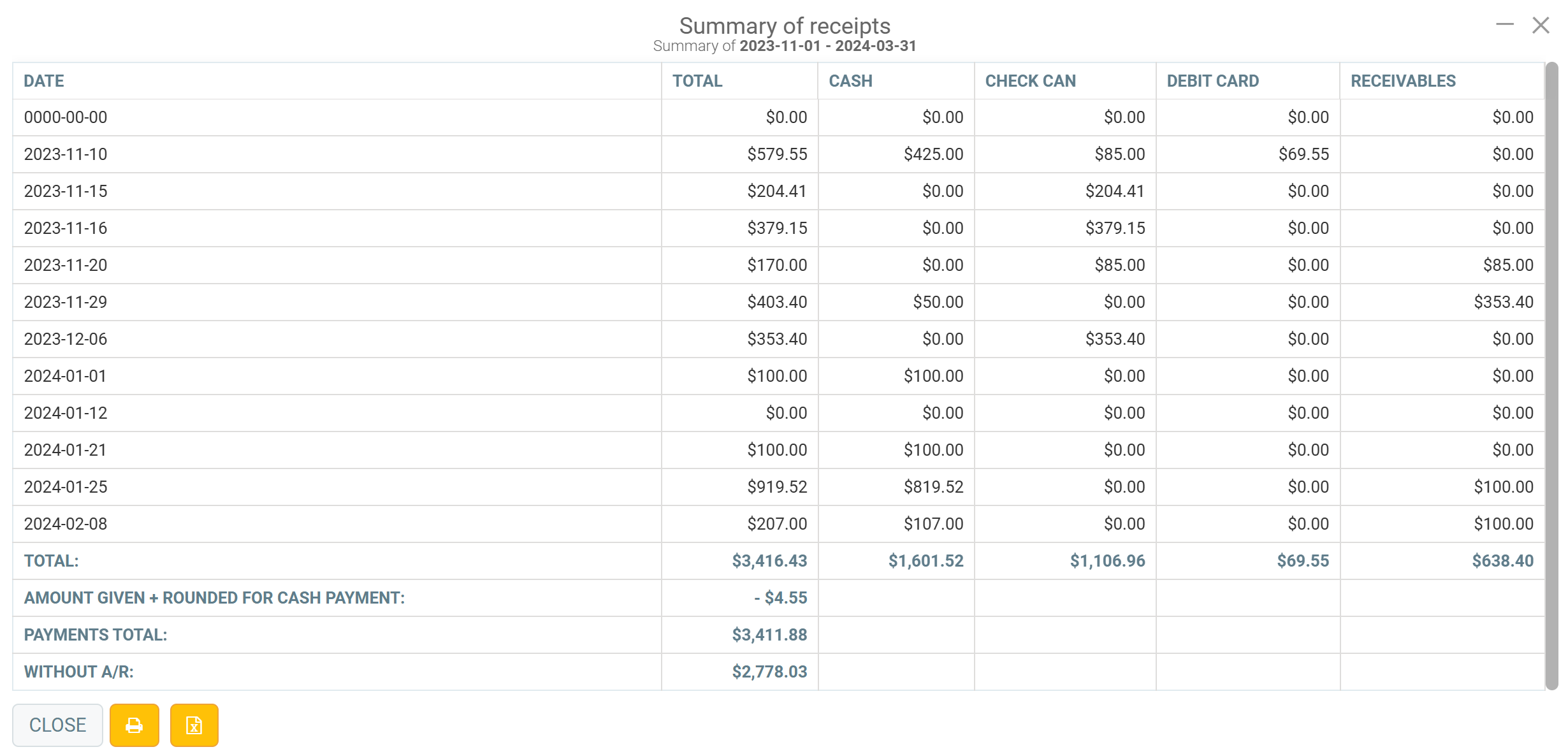
The summary will then display the amounts for all payment methods registered during the previously defined period. Next to the Close button, you can print by clicking on the Printer icon or Export to Excel.
Comments
Please sign in to leave a comment.